
EdTecInfo
Tools
write

Nepal Telecom Unlimited Data Offer

AdminFeb 6, 20185,339
Nepal Telecom Unlimited Data Offer
🔍
Nepal Telecom has announced Unlimited Data Offer, Unlimited Night Voice Offer & Bonus on Recharge offer in its 14th anniversary. To get this offer one should made subscription from 23 Magh to 08 Falgun 2074 for Data and Call offer and till 29th Magh for Recharge Bonus offer. To learn more about subscription please go through given syntax/information below. Unlimited DATA Offer-All Time Price NRs. Offer Offer Validity Subscription Method 50 Unlimited Data 24 Hrs Type UNL & Send SMS to 1415 Unlimited DATA Offer-Night Time(10PM-6AM) Price NRs. Offer Offer Validity Subscription Method 15 Unlimited Night Data 24 Hrs Type NUNL & Send SMS to 1415 Unlimited Night Voice Offer-Night Time(10PM-6AM) Price NRs. Offer Offer Validity Subscription Method 35 Unlimited Night Voice 3 Days Type UNVOICE & Send SMS to 1415 Bonus Recharge on (Rs.) Bonus Validity(days) 10% Bonus 50, 100 & 200 3 Days 15% Bonus 500 & 1000 3 Days Nepal Telecom is also providing Bonus Call to PSTN Customer in which PSTN customers can make Additional 25 calls in Falgun 2074.
Share:
Swipe up, left, or right for the next story
write

How to move photos from iPhone to Android

Sudarshan SharmaDec 26, 20193,069
How to move photos from iPhone to Android
🔍
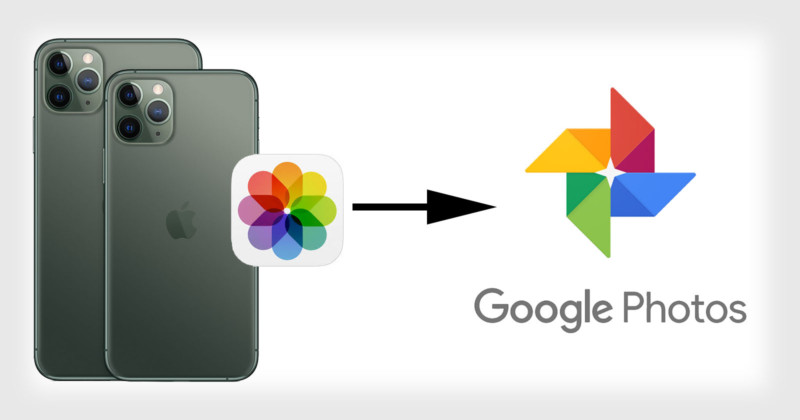
In this post I'm sharing the process of moving iPhone pics to Android Google Photos. First you need to download Google Photos App in your iPhone from Apple App store Add your Google Account in Google Photos by signing in with your Google Account. Head to Settings and enable Backup & Sync. To move photos and videos from iPhone to Google Photos, open the app and tap on the three-dot from the top right corner and tap on Settings. Here’ you’ll need to turn on Backup and sync features to transfer all your photos and videos. Now, head back to Google Photos App in your Android phone, you can see iPhone photos too.
Share:
Swipe up, left, or right for the next story
write

10 hottest selling smartphones in the world

Sudarshan SharmaDec 26, 20193,957
10 hottest selling smartphones in the world
🔍
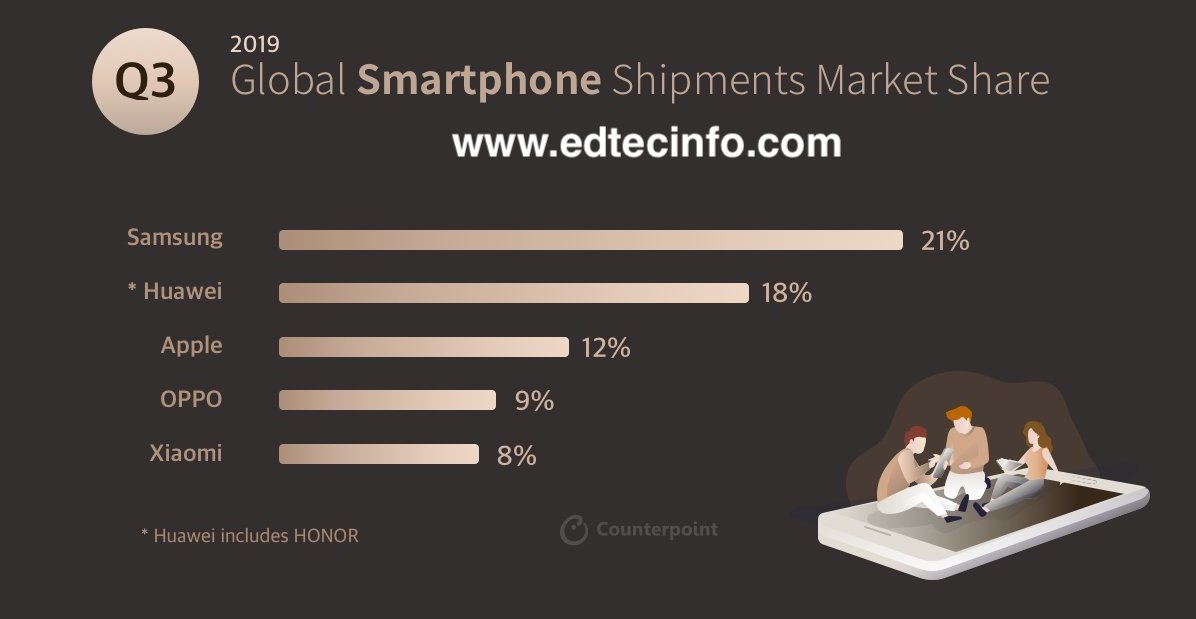
According to a report by Counterpoint Research, “the iPhone XR was the top-selling model globally in Q3 2019, capturing 3% market share.” Where the smartphones from Samsung, Oppo, Xiaomi also made the cut. In this post we are sharing the 10 hottest selling smartphones in the world.
Share:
Swipe up, left, or right for the next story
write

How to activate international roaming in NTC SIM card

AshmeeAug 21, 20197,193
How to activate international roaming in NTC SIM card
🔍
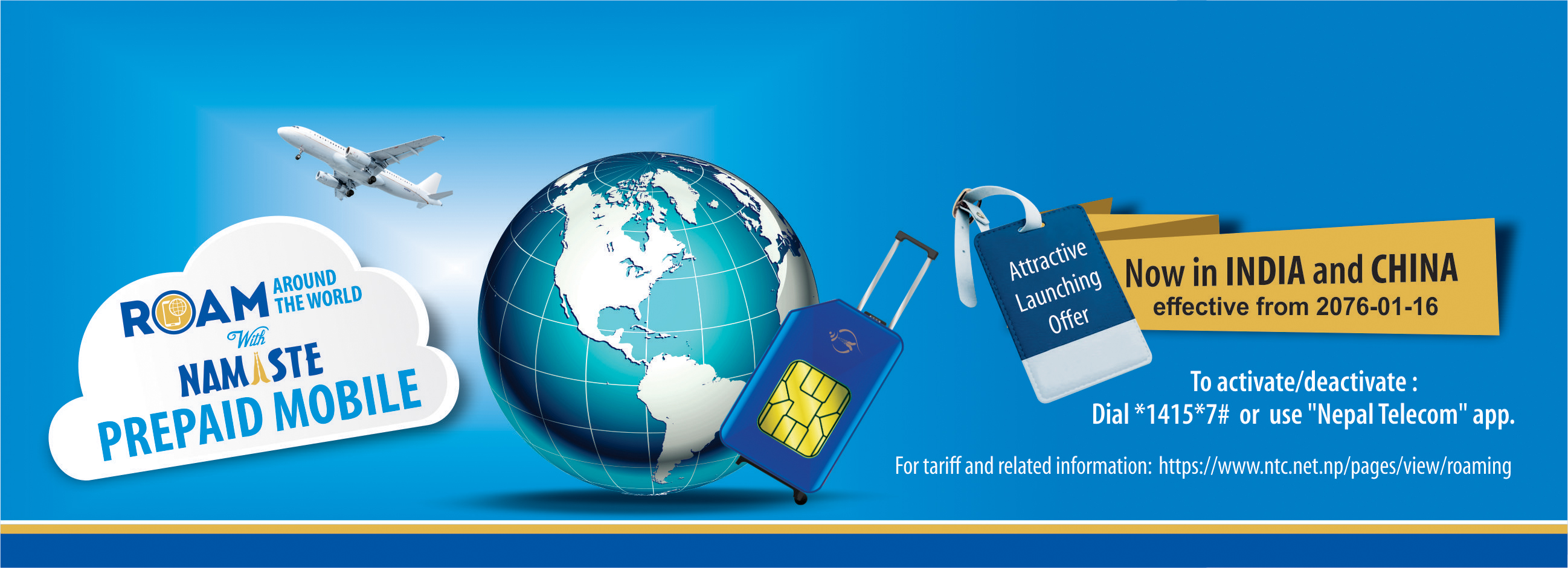
NTC is providing international roaming service from 2001; the service was available in GSM postpaid service only previously and now its available in Namaste prepaid. In this post, we will provide you the process to activate international roaming in NTC SIM card. NTC International roaming service allows a customer to access the mobile network while they are out of their home country. One who have Nepal Telecom SIM with roaming service enabled can get access to mobile network during visit to foreign country. Tarrif of using the roaming call, SMS, data is expensive as compared to other calls made from the home country. How to activate NTC roaming service To activate/subscribe the roaming service in NTC GSM prepaid SIM card, you need to dial *1415*7# and activate the international roaming to enable the service or you can download and use NTC App to activate the service. Whats the cost price? The cost of NTC international roaming service is expensive as compared to the usage in Nepal; It will cost you more to call back to Nepal. The price varies from country to country. Ntc also says the price may vary due to the fluctuating Dollar rate. Similar is the case for sending SMS and Mobile terminating call. The incoming SMS service for the roaming number is free of charge.
Share: