Info+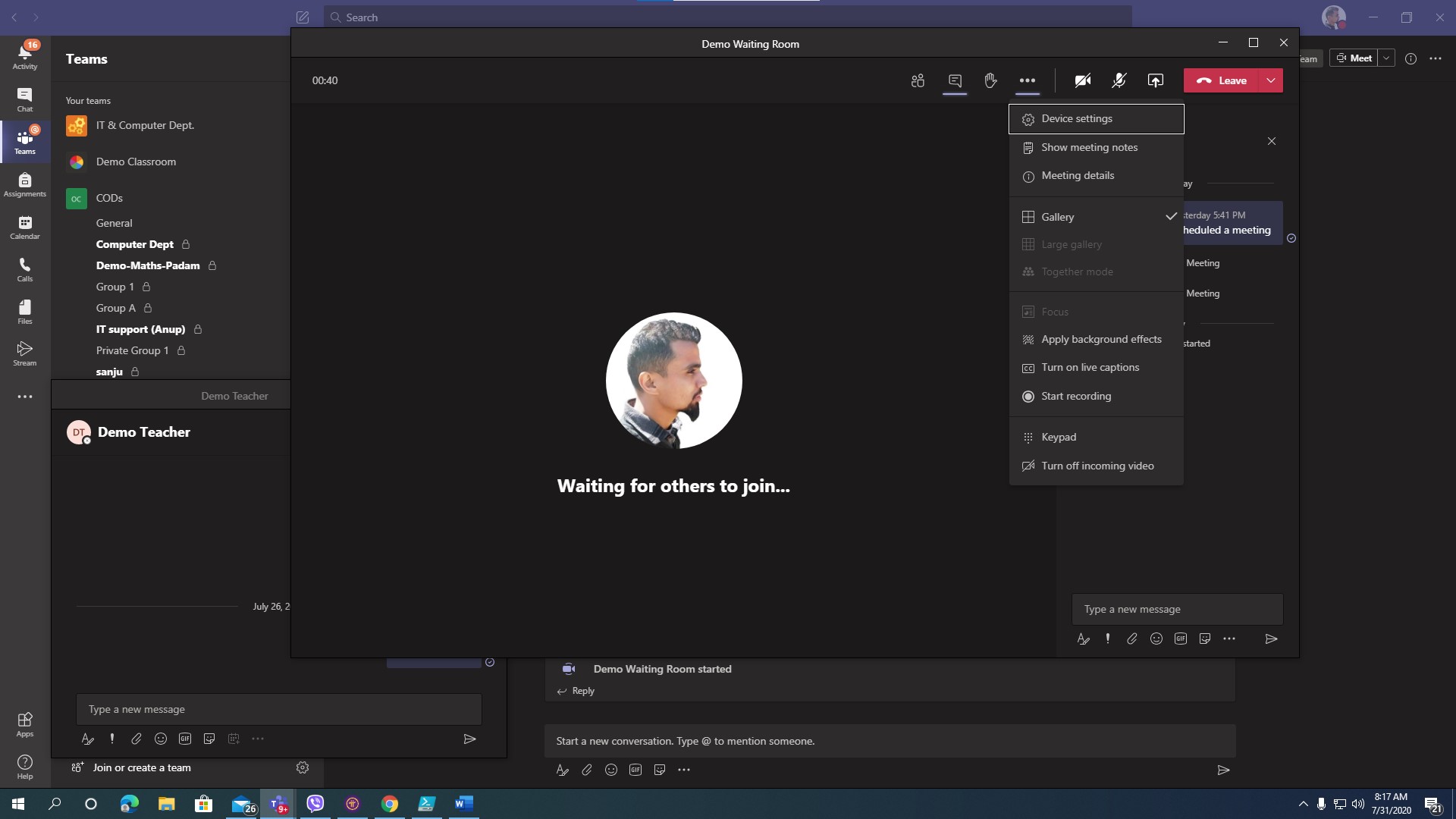
New Meeting Experience in Microsoft Teams
📅 July 31, 2020👁 3,286 views
🔍
Microsoft Teams new feature on the meeting and calling experience is one of the best update rolling out. Microsoft is gradually rolling all the new the features out one by one. This new Teams feature allows you to have meetings and calls opened in separate pop up windows.
How to turn on the new meeting experience in Teams
Open Teams Settings and activate it.
Step by step how to do that:
From the upper toolbar in Teams (you select your profile picture) or from the right click menu on the Teams icon reach the general Teams >Settings
Select >Turn on new meeting experience (It is named “Turn on new meeting experience (New meetings and calls will open in separate windows. Requires restarting Teams.)” by checking the box
Restart Teams. This is required to have the New Meeting Experience feature active. You do it by doing the following:
Right-click on the Teams icon or Cmd-click the Teams icon in the Windows Taskbar or Mac System Tray.
Select Quit.
Start Teams again like you are used to do.
You can watch the attached video.